◉
Touch ID protection
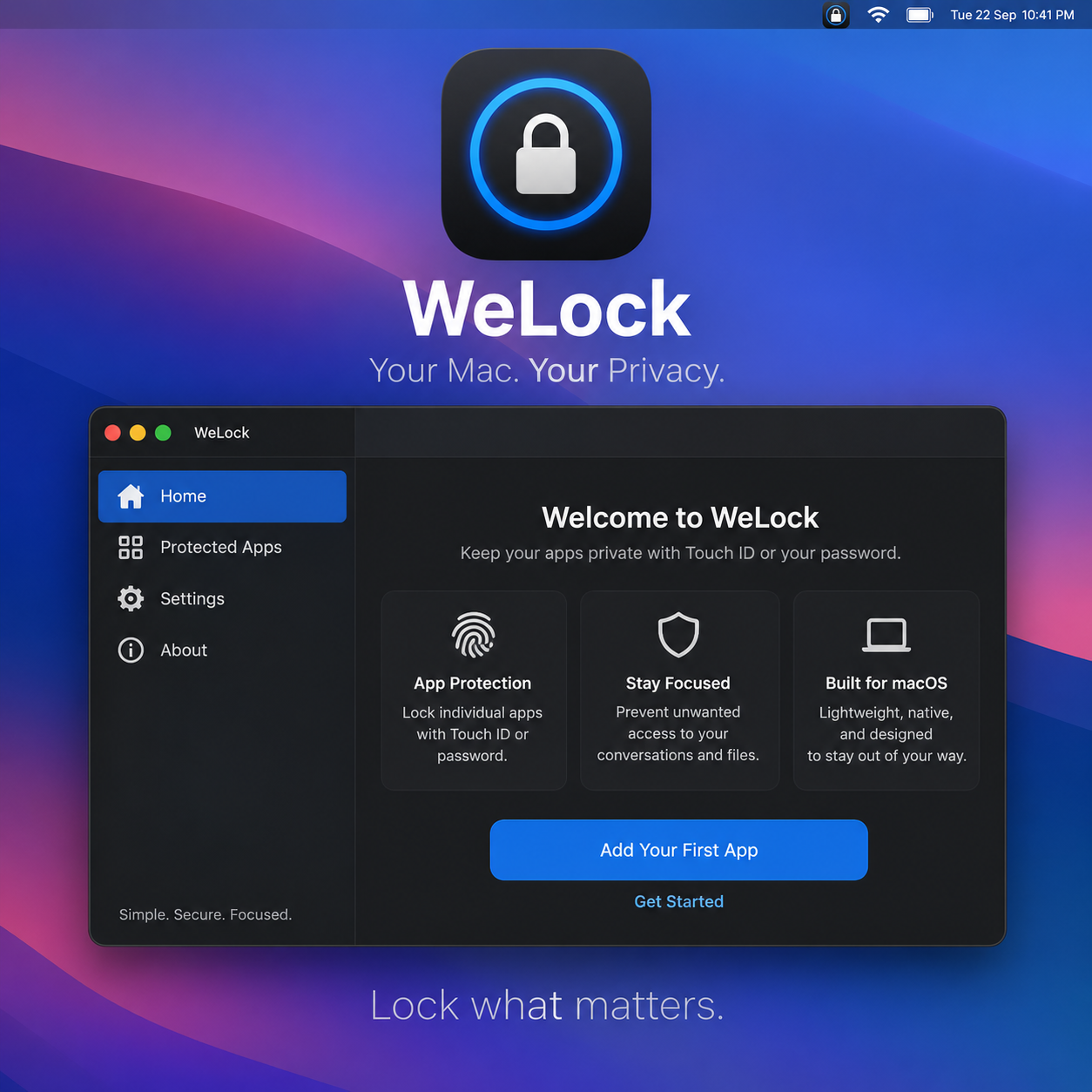
Authenticate with Touch ID where available, with your Mac login password as a fallback.
Protect selected Mac apps with Touch ID or your Mac login password — without putting a global blocker over everything else.
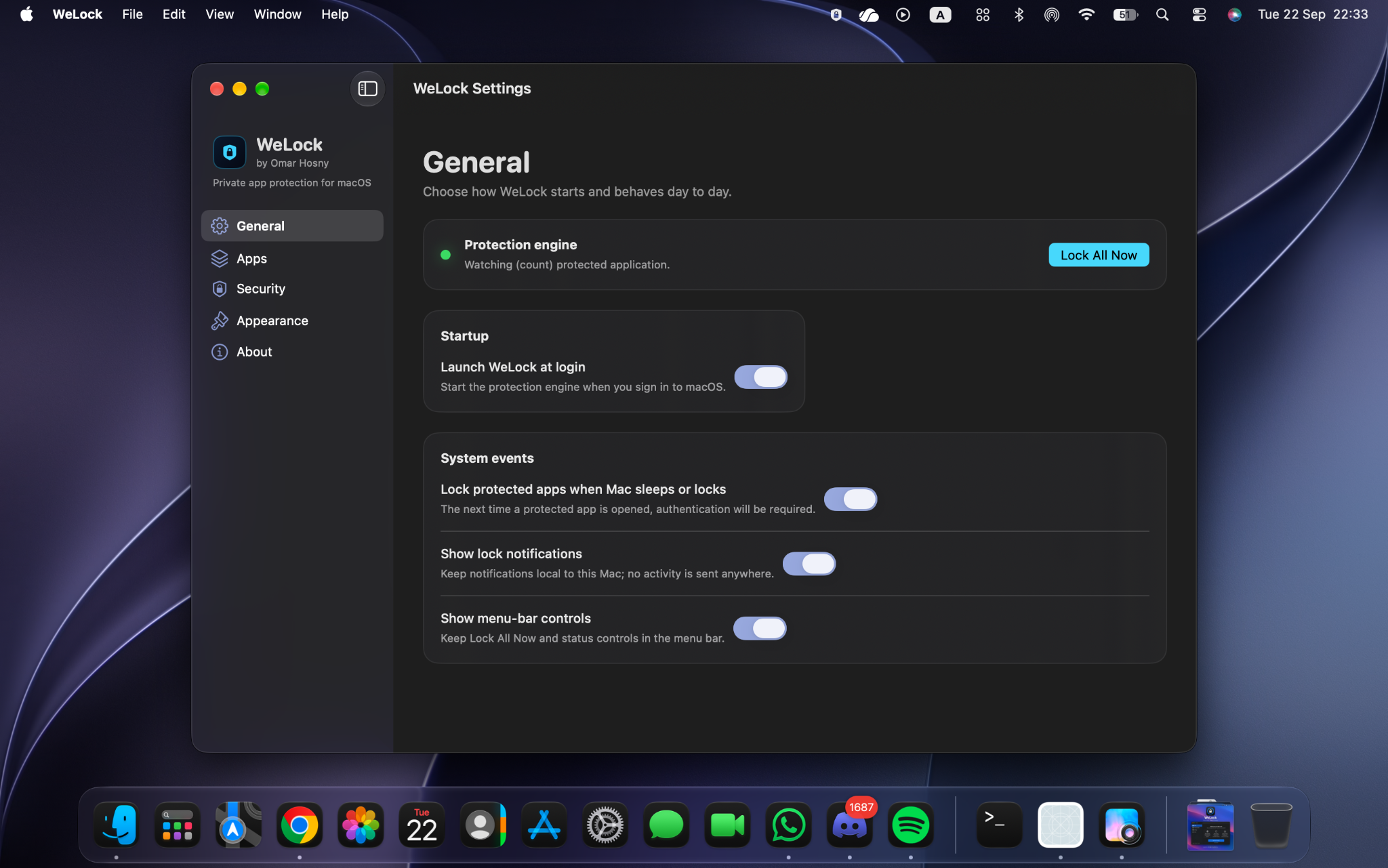
WeLock stays focused on one job: keeping the apps you choose protected while the rest of your Mac stays usable.
Authenticate with Touch ID where available, with your Mac login password as a fallback.
Protection follows the selected application instead of covering whichever app happens to be on screen.
Configure WeLock to lock protected apps again when focus changes, the Mac sleeps, or the session locks.
A native SwiftUI interface, menu-bar controls, launch-at-login support and configurable security behaviour — without turning app protection into a distraction.
Download the current release directly, or manage WeLock through Homebrew.
WeLock's lock notifications and protection activity are designed to remain local to your Mac.